
title: "How to verify a sponsored post delivered (creator side)" excerpt: "Once you post a brand deal, what does verification actually look like — for you, for the brand, and what to keep on file in case views get disputed." publishDate: "2026-07-03" audience: "creator" keyword: "how to verify a sponsored post" keywordCluster:
- "sponsored post verification"
- "how brands verify creator deliverables"
- "brand deal verification process"
- "post-campaign reporting"
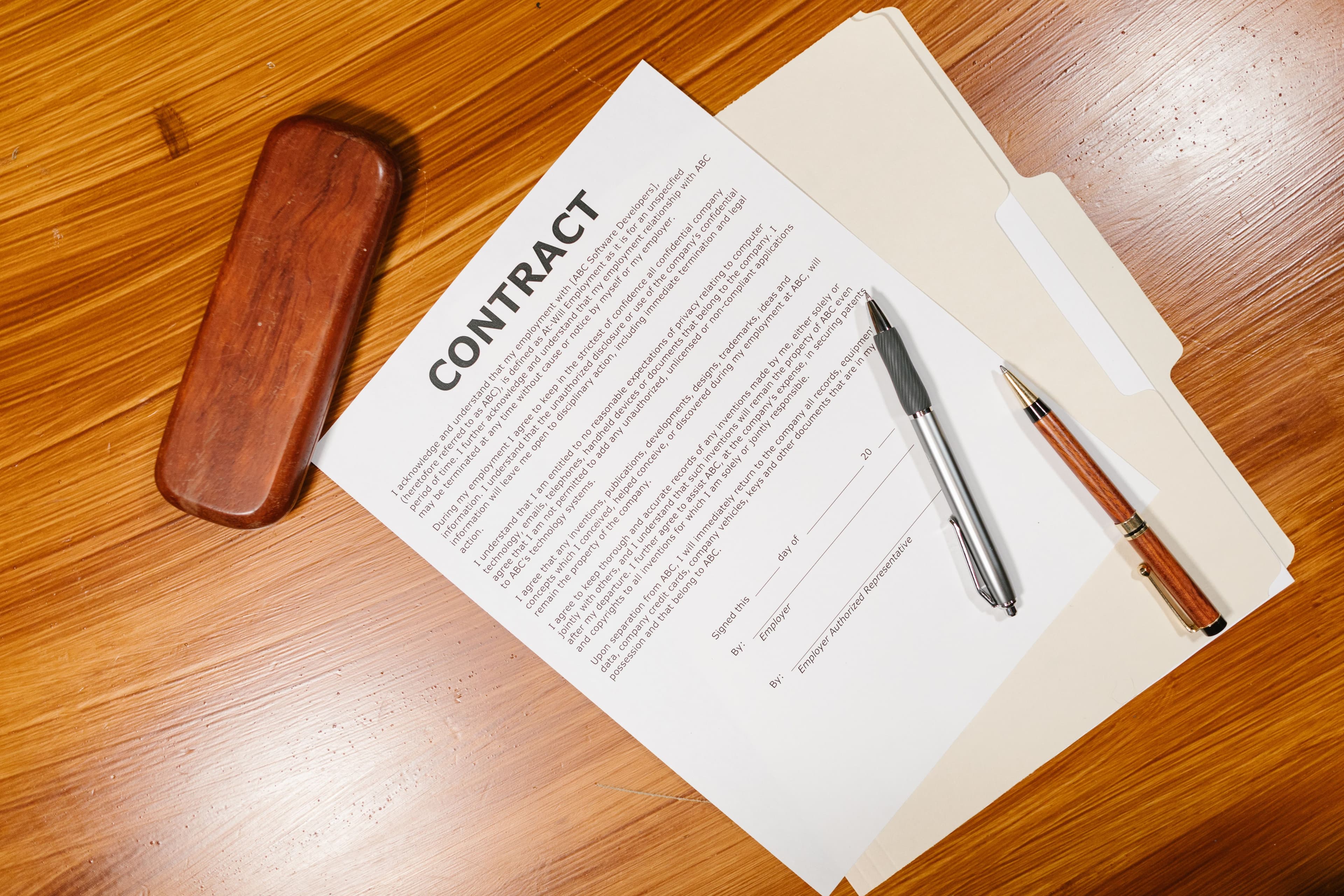
- "creator deliverable proof" heroImage: url: "https://images.pexels.com/photos/7841410/pexels-photo-7841410.jpeg" alt: "A contract document with pens on a wooden desk" photographer: "RDNE" photographerUrl: "https://www.pexels.com/@rdne" metaTitle: "How to verify a sponsored post delivered (creator side)" metaDescription: "How to verify a sponsored post: what brands check, what proof to save, and how to handle disputes when view numbers get questioned after a campaign closes."
When a sponsored post closes, the verification step can determine whether you get paid promptly, get paid late, or get into a dispute about what was delivered. How to verify a sponsored post sounds like a brand-side question, but the creator side of it matters too — knowing what evidence to capture and how the brand will check the post is the difference between an easy payout and a multi-week back-and-forth.
This post covers the verification process from the creator's perspective: what gets checked, what to save, and how to handle the cases where view counts get disputed.
What brands actually verify
The verification steps a brand-side team typically runs on a sponsored post in 2026, in order:
- The post went live. Easy check. The brand's campaign tool or the marketplace's dashboard either shows the post URL or it doesn't.
- The post matches the brief. Did you include the required elements — product mention, hashtag, link in bio, disclosure (#ad / Paid Partnership tag)? Did you avoid the prohibited elements (specific competitor mentions, claims that aren't approved)?
- The disclosure is compliant. FTC in the US, EASA in the EU, ASA in the UK — sponsored content must be clearly disclosed. Brands face regulatory risk if your post isn't disclosed. They check before payout.
- View counts match expected delivery. Either via the platform's public counter, the marketplace's independent scrape, or a third-party tool the brand runs in-house.
- Engagement is consistent with view count. Brands sometimes check for the funded-fraud signals — comment-to-view ratios, view velocity patterns, time-of-day distributions.
- No takedowns or edits after publication. If you edit the post after it goes live, the verification timer resets. If you delete the post early, the brand can claw back payment.
On verified-view CPM marketplaces, most of this happens automatically. On flat-fee platforms or direct deals, the brand does it manually. Either way, the steps are the same.
What to save on your end
Five pieces of evidence to keep on file for at least 90 days after every sponsored post:
- The post URL. Obvious but easy to lose if you delete or hide posts.
- The publish timestamp. Screenshot of the platform showing the exact post time. Matters for verification of the 5-10 minute submission window most marketplaces enforce.
- Brief vs delivery comparison. A side-by-side of what the brief asked for and what your post delivered. Saves time in disputes.
- Initial-day analytics screenshots. First 24 hours of view counts from the platform's creator analytics. Useful evidence if scrape numbers later disagree with platform numbers.
- Engagement screenshots at week 1 and week 4. Shows your post grew naturally and didn't get a sudden artificial boost.
A Google Drive folder per campaign with these five files takes 10 minutes per deal and saves hours if anything gets disputed.
When view counts get disputed
Three scenarios where view-count disputes happen, and how creators should handle each:
Scenario 1: Marketplace scrape numbers are lower than your platform's public counter.
Common for short-form video. Platforms count views aggressively (TikTok counts at 0 seconds, Instagram at 3 seconds), while third-party scrapes typically count at higher thresholds. The marketplace pays based on the scrape, not the public counter.
What to do: don't dispute this. The brand pays based on independent verification because that's the deal. Your creator dashboard on the marketplace shows the same scrape number the brand sees, so there's no information asymmetry — only methodology asymmetry between the platform's counter and the marketplace's scrape.
Scenario 2: Marketplace scrape numbers are flat or zero when you can clearly see views accumulating.
This is a scrape-failure scenario. Reasonable marketplaces have retry logic and will catch up to the actual view counts. If after 48 hours the scrape is still flat-lined, contact the marketplace's creator support with: post URL, publish timestamp, screenshot of your platform-side view count.
What to do: reach out within 48 hours of noticing the discrepancy. Be specific. Marketplace support teams resolve these cases routinely; they're not arguing whether the views happened, they're fixing their scrape.
Scenario 3: Brand disputes the post itself (claiming it doesn't match the brief).
This is rare on verified marketplaces (the brief approval is part of the application flow) but happens on direct deals. The dispute is usually about an interpretive issue — the brand expected a specific shot, you interpreted the brief differently, the brand wants a re-edit or partial refund.
What to do: refer to the written brief. If your post objectively matches the brief, push back politely with the side-by-side comparison. If the brief was ambiguous and your interpretation is defensible, offer to add a minor edit (added caption, additional CTA) rather than re-shooting. Marketplaces typically arbitrate these via their published dispute resolution.
The compliance check creators get wrong
The single most-common reason a sponsored post payout gets delayed: improper disclosure. The 2026 standard across major platforms:
- TikTok: "Branded Content" toggle in the post settings (creates a disclosure label on the post). Mentioning "#ad" or "#sponsored" in the caption is supplementary, not sufficient on its own.
- Instagram: "Paid partnership with [brand]" tag at the top of the post (requires brand approval to apply). Supplementary disclosure in caption.
- YouTube: "Includes paid promotion" checkbox in video settings (creates a banner). Verbal mention in the first 30 seconds is also expected for sponsored integrations.
- X (Twitter): "#ad" or "#sponsored" in the post text. Less formal platform infrastructure, so disclosure is text-based.
Skipping the platform-native disclosure toggle in favor of a hashtag in the caption is non-compliant by FTC and most EU regulators' standards. Brands face fines for non-disclosed sponsored content; they check before paying out. If you're confused about the disclosure mechanics for a specific platform, ask the brand or marketplace before posting.
How marketplace verification protects creators too
The structural argument for verified-view marketplaces from the creator's side: the verification protects you from brand-side payment disputes. When the marketplace has independently scraped the views and confirmed the post matches the brief, the brand can't decide post-facto that the post "didn't perform" or "wasn't on-brief" without triggering the marketplace's dispute process. The payment is automatic when the verification passes.
This is dramatically more reliable than direct flat-fee deals where the brand has unilateral authority over whether to pay, when to pay, and how much. The marketplace fee is real, but the protection against late or disputed payment is also real.
The 90-day rule
Once a sponsored post passes verification and the payment clears, keep your evidence file for 90 days minimum. After 90 days the regulatory risk to the brand declines and dispute likelihood approaches zero. After 365 days you can safely delete the file.
The 90-day window catches: late audit triggers, brand-side budget reconciliations, occasional regulatory inquiries, and the rare "we want to dispute this old deal" attempt. All of these resolve quickly with documentation. None of them resolve quickly without it.
For ClipReach specifically: every submission keeps an audit trail on the platform side for the full retention period, so creators don't have to maintain it manually. Browse current campaigns when you're ready to apply. Read how creators get paid for views vs followers for the upstream pricing argument and how to find brand deals as a small creator for the channel-selection framework.